 Folio
Folio
Scanning
Tips for a Perfect Document Scan: Light, Angle, Filters
Get cleaner phone scans with five habits: soft light, a square angle, a plain background, flat paper and the right filter. Plus a quick fix list for problems.
PDF scanner & editor for Android
Folio is a document scanner and PDF editor for your phone. Scan to PDF, sign, merge, split and extract text, all on your device, with no account.
One scanner, one editor, one library. Nothing to sign up for and nothing sent to a server.
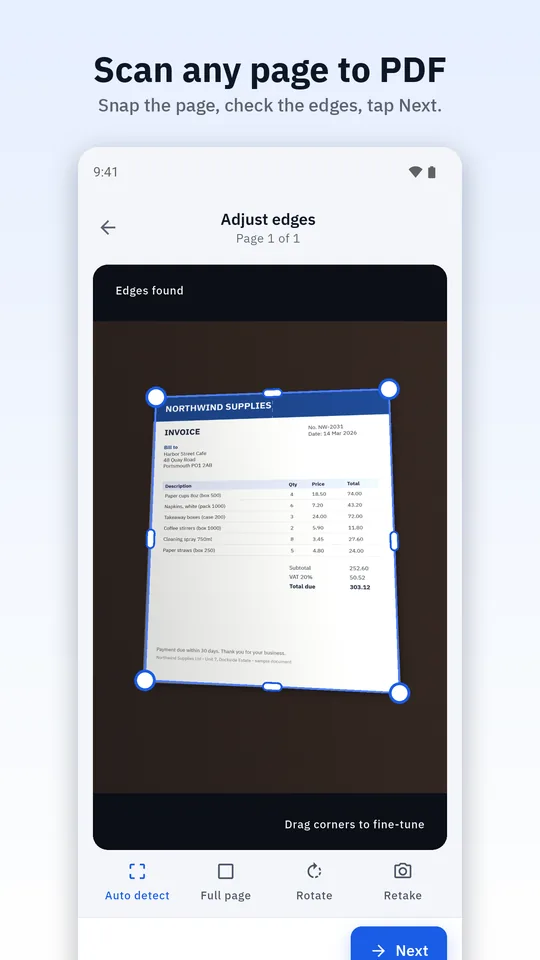
Scan one page at a time, check the edges, clean up with filters and create a PDF.
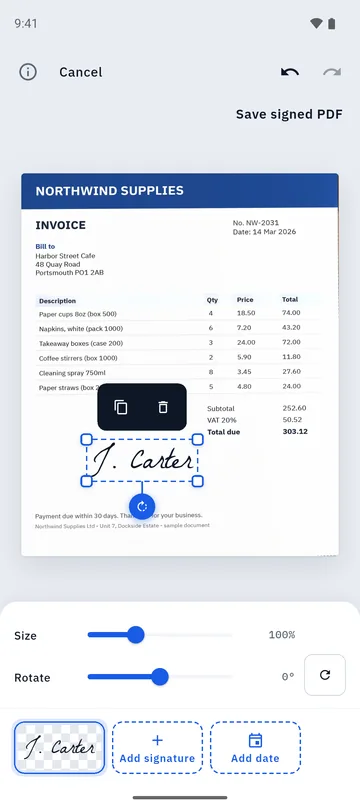
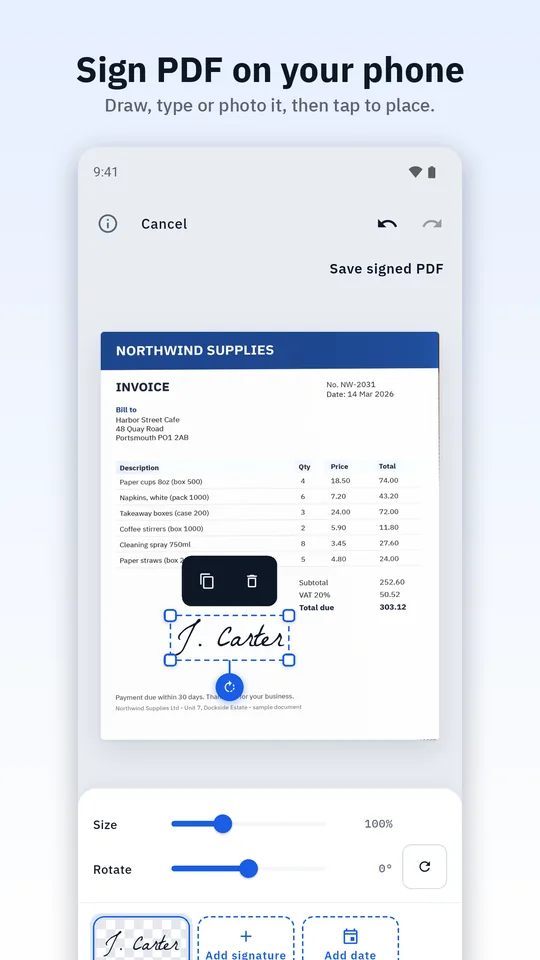
Learn more about Scan to PDF →Draw, type or photograph your signature, tap to place it, and add the date.
Learn more about Sign PDF →Combine PDFs, split them, extract pages, reorder, rotate and compress.
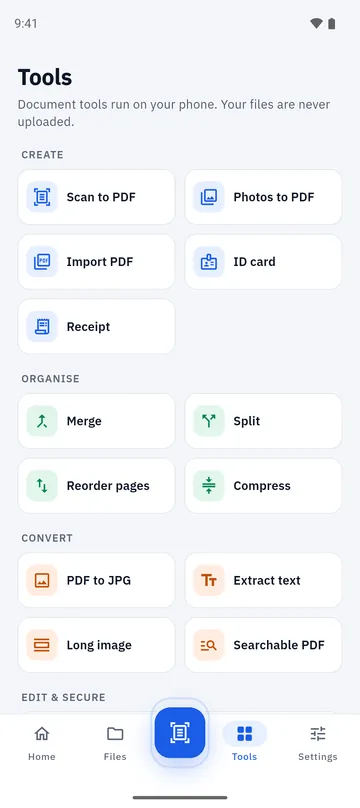
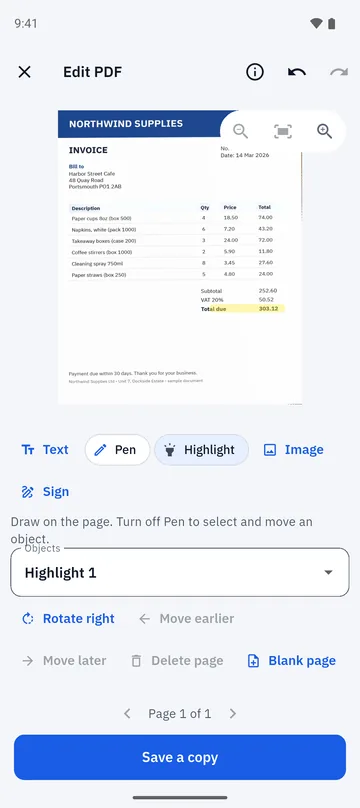
Learn more about Merge and split PDF →Add text, pen strokes, highlights, images and signatures to a PDF page.
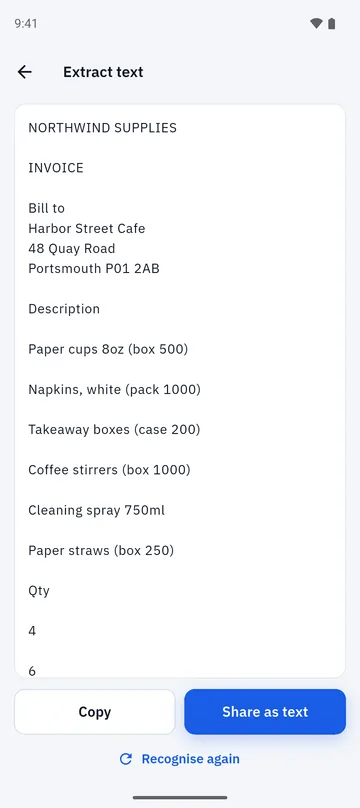
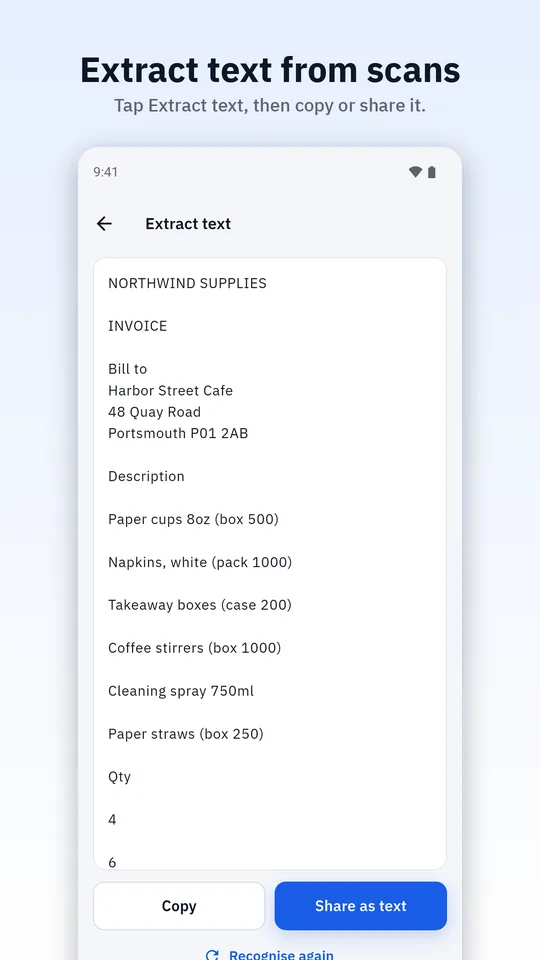
Learn more about PDF editor →Read the text in a scan, copy or share it, and make a searchable PDF.
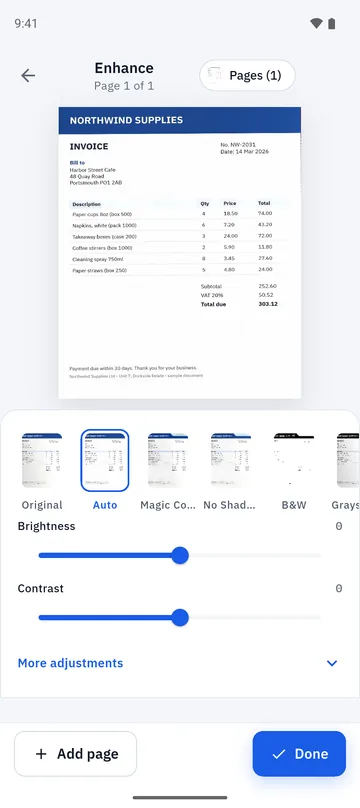
Learn more about Extract text (OCR) →Auto, Magic Color, No Shadow, Black & White and Grayscale, plus brightness and contrast.
From a paper page to a finished PDF in a minute.
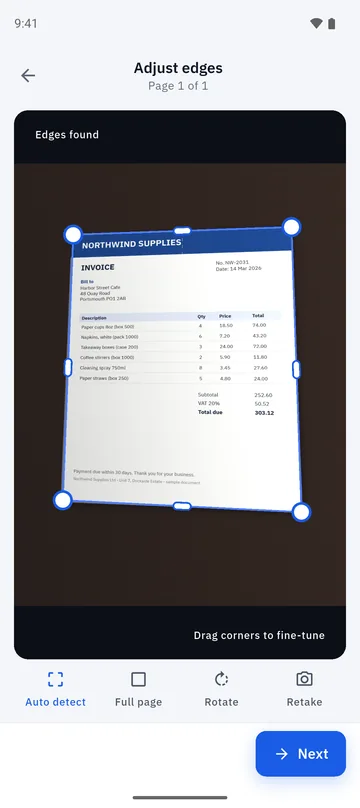
Tap the shutter. Folio finds the edges of the page for you. You can also import photos or PDFs.
Drag a corner if needed, then pick a filter. Every page gets a crop check before it is added.
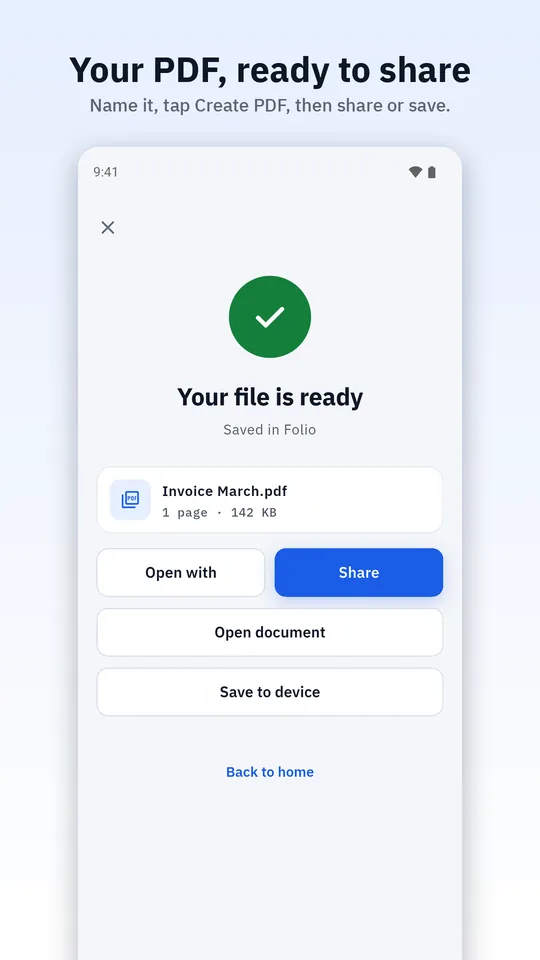
Name it, tap Create PDF, then share it, save it, sign it, merge it or edit it.
Scan to PDF
You tap the shutter, and every page passes through a crop screen before it joins your PDF. Auto-detected edges, drag handles, rotate and retake keep crooked corners out of your documents.
Sign PDF
Draw your signature, type your name in a handwriting style or photograph one on paper. Tap the page to place it, resize or rotate it and add the date.
Merge, split and edit
Merge several PDFs into one, split a long PDF, extract pages, reorder and compress. Then mark it up: add text, pen strokes, highlights, images and signatures.
Extract text (OCR)
Text recognition runs on your phone for Latin-script languages. Copy the text, share it, search inside your documents or save a searchable PDF.
The first time, Google Play services may download a small recognition model. Only the model is downloaded, never your document.
Private by design
IDs, bank letters, contracts, medical forms. Paperwork is personal, so Folio was built to need no cloud at all.
Scanning, signing, merging, editing and text recognition happen on your device. Folio has no account and no document server, and it never uploads your documents, images, recognised text or file names.
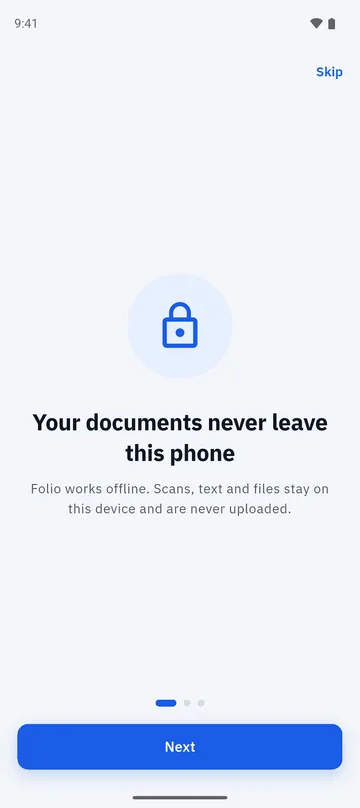
The heavy work runs on your phone, so it works on a plane and on a train with no signal.
Install it and start scanning. There is no sign-up, no sign-in and no server copy to delete.
Edits are saved as a new copy, so the scan or PDF you started with is always still there.
A note on the rest: Folio shows ads through Google’s ad services, which need the internet and process some device and interaction data under Google’s policies. They never receive your documents. Read the full privacy policy.
The core tools are free and add no watermark. Here is exactly where ads appear.
A one-time Remove Ads purchase in Google Play removes the ads. Its price is shown in Google Play in your currency.
These are screenshots of Folio itself.
Get cleaner phone scans with five habits: soft light, a square angle, a plain background, flat paper and the right filter. Plus a quick fix list for problems.
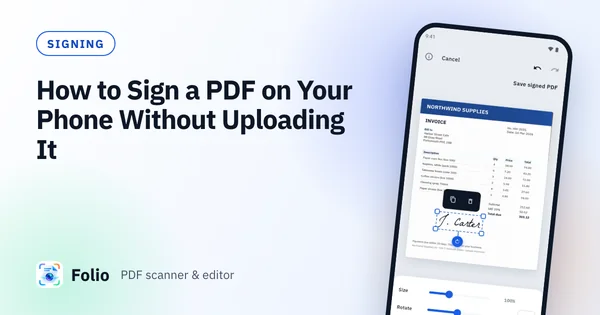
Sign a PDF on Android by drawing, typing or photographing your signature, place it on the page and save a signed copy, without uploading the document.
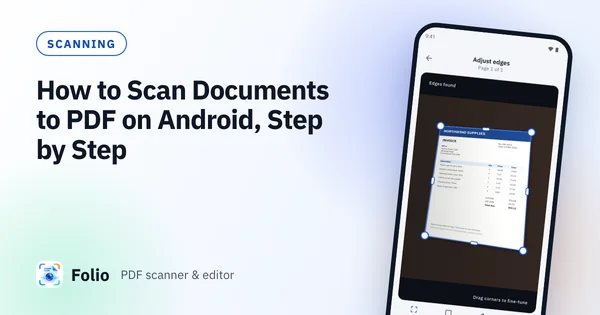
A step-by-step guide to scanning paper to a clean PDF on Android: check the crop, pick a filter and create a PDF without uploading anything.
Scanning, cropping, filters, PDF creation, signing, merging, splitting, editing and text recognition all run on your phone without an internet connection. Ads and purchases need a connection, and the text recognition model may be downloaded once by Google Play services the first time you use it.
No. Folio has no account and no document server. Your documents, images, recognised text and file names are never uploaded by Folio, and Folio does not give them to its ad providers.
Yes. The core tools are free and add no watermark. To support the app, Folio shows a few ads: a short rewarded video before you share, print or open a document in another app, one ad after you create a PDF, and one labelled card in document lists. A one-time Remove Ads purchase in Google Play removes them.
No. Folio places a picture of your drawn, typed or photographed signature on the page. It is not a certified e-signature, so use a certified service if a contract requires one.
No. The editor adds text, pen strokes, highlights, images and signatures to a page, and can add, reorder, rotate and delete pages. It does not rewrite the existing text of a PDF.
Folio scans one page at a time. You tap the shutter and check each page on the crop screen, which keeps every page clean. Add as many pages as you need to one PDF.
Text recognition covers Latin-script languages, such as English, French, Spanish and German. Other scripts are not supported yet.
No. Originals are never modified. Edits are saved as a new copy.