 Folio
Folio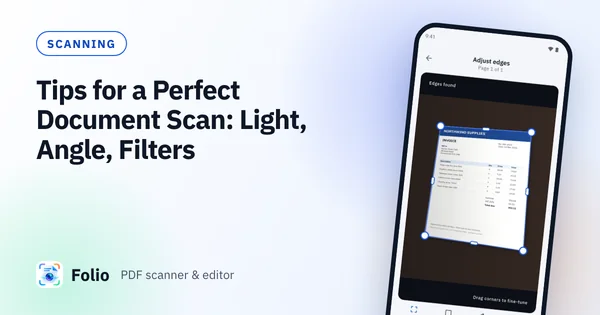
Scanning
Tips for a Perfect Document Scan: Light, Angle, Filters
Get cleaner phone scans with five habits: soft light, a square angle, a plain background, flat paper and the right filter. Plus a quick fix list for problems.
Folio blog
Plain-English guides on scanning documents, signing and editing PDFs on your phone, and keeping sensitive paperwork private.
Get cleaner phone scans with five habits: soft light, a square angle, a plain background, flat paper and the right filter. Plus a quick fix list for problems.
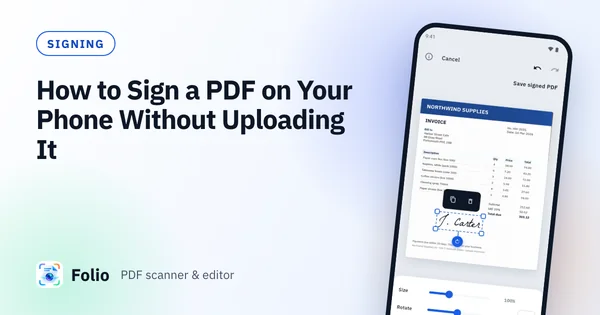
Sign a PDF on Android by drawing, typing or photographing your signature, place it on the page and save a signed copy, without uploading the document.
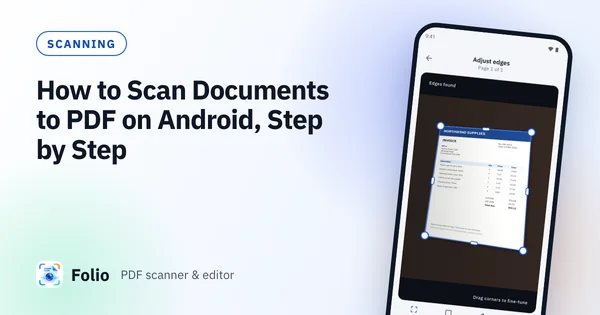
A step-by-step guide to scanning paper to a clean PDF on Android: check the crop, pick a filter and create a PDF without uploading anything.
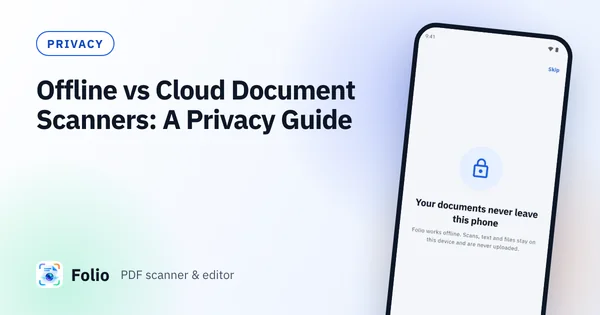
Scanning IDs, bank statements or contracts? See how offline and cloud scanner apps differ, what to check first and how to keep sensitive papers private.
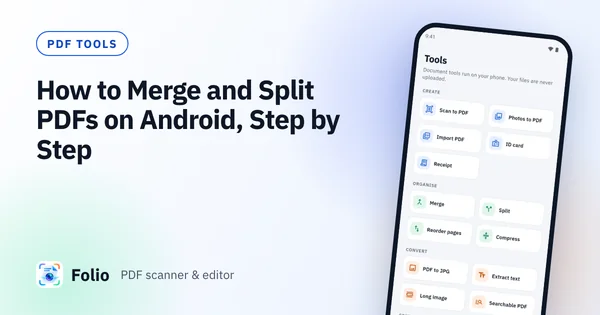
Combine PDFs into one, split a long PDF, extract the pages you need and shrink the file on Android. A practical guide that runs on your phone, no upload.
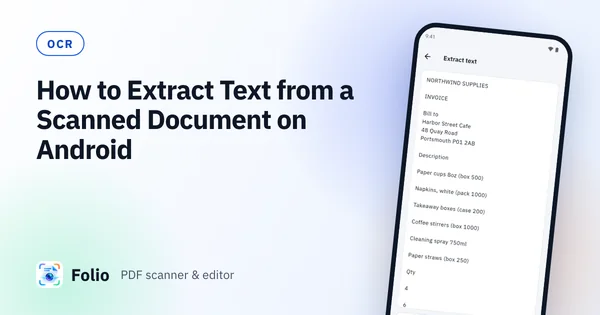
Turn a scan into text you can copy, share and search. This guide covers on-device OCR on Android, getting accurate results and making a searchable PDF.